Templates
Understanding the template structure, front/back sides, and the element tree.
Templates
A template defines the visual layout for one side of a card. Each project can have a front template and optionally a back template.
Template structure
Templates are hierarchical — the Root element is the top-level container, and all other elements are nested beneath it as 'children'. Elements are rendered on top of their parent. The Mode property of the parent defines how the children are placed within its bounds.
Example:
Root
├── None (background group)
│   └── Rectangle (background fill)
├── Text (card title)
├── Image (card artwork)
└── List (abilities)
    └── Text (ability name)
Front and back templates
- The front template renders the card face
- The back template renders the reverse side (optional)
- Both templates share the same data row
If your template does not already have a Back template, it will show a button to add one.
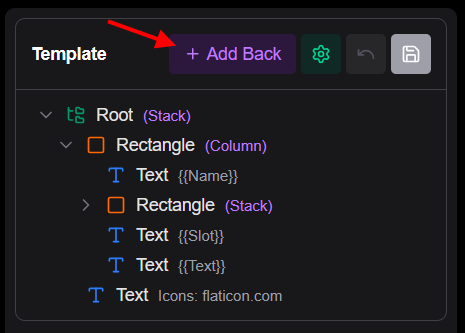
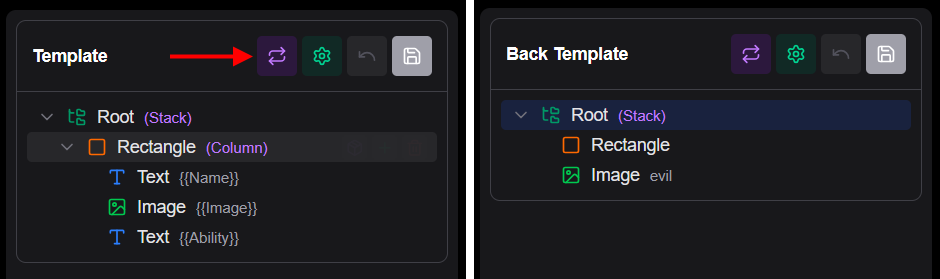
If the Back template does not use any data references, it will apply to all cards. Otherwise they will individually be applied to each card based on the data. You can use the Condition property in the Back's Root to limit which cards get a custom back.
Adding elements
Use the Add Element button (+) in the template tree toolbar to open the element picker. Select a built-in type or a saved component.