Board Game Builder Documentation
Welcome to Board Game Builder — design card templates visually and render a full image set from your spreadsheet data.
Welcome to Board Game Builder
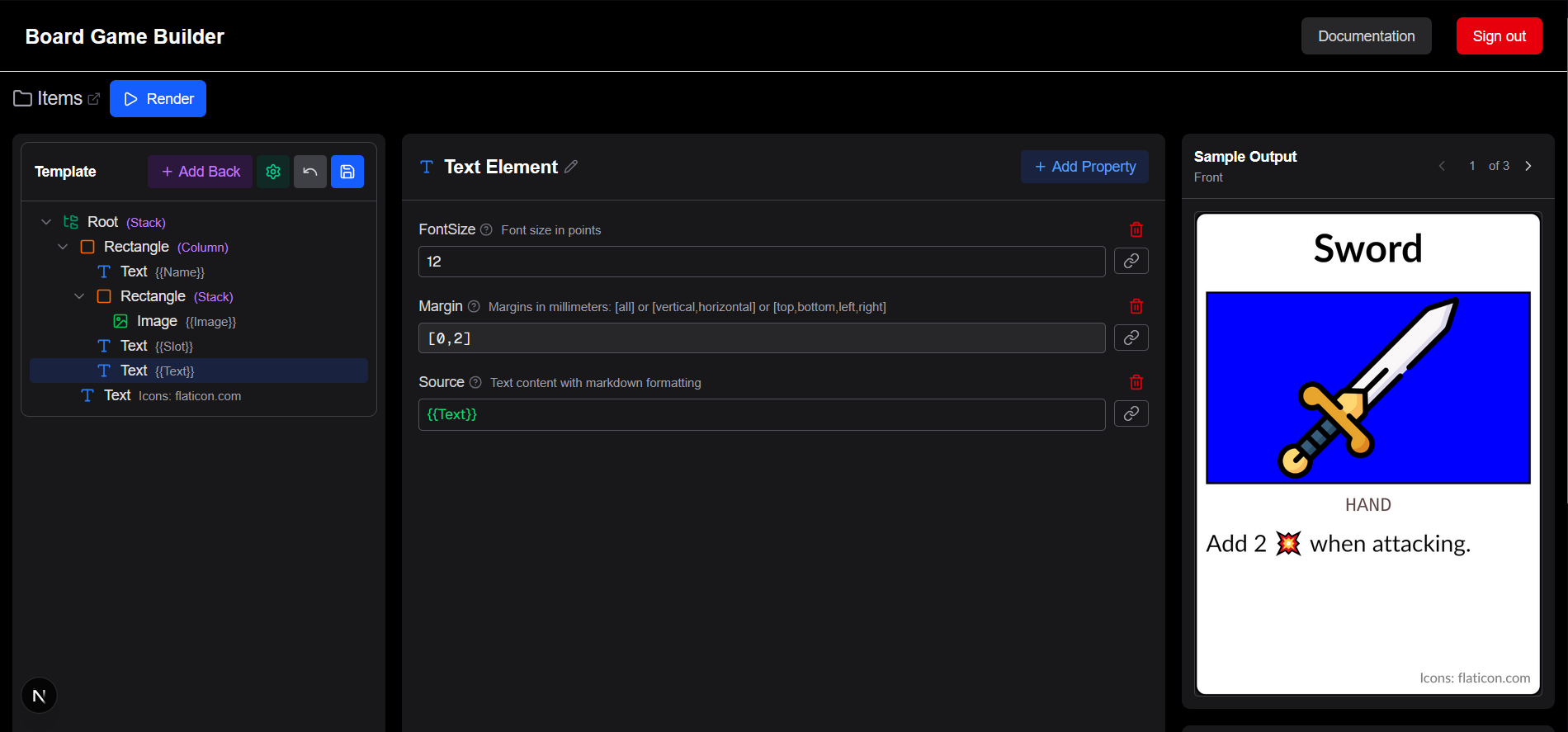
Board Game Builder lets you design card and tile templates for your board games using a visual editor, connect them to Google Sheets or CSV data, and render a complete image set in one click — ready for print or digital tabletop use. When iterating on your game assets you no longer need to keep track of changes, Board Game Builder automatically recreates images and PDFs based on your changes.
How it works
- Connect a data source — link a Google Sheet or upload a CSV file; each row becomes one card
- Build a template — use the template editor to place elements (Text, Image, Rectangle, and more)
- Bind data — reference column values in any property using
{{ColumnName}}syntax - Render — export images or lay them out in a PDF for print-ready output