Combined PDF
Create a PDF containing a selected subset of generated card images across assets.
When preparing your assets for printing or distribution it is useful to be able to combine these into a single PDF with everything needed for playtesting or even a completed print-and-play game.
Selecting cards
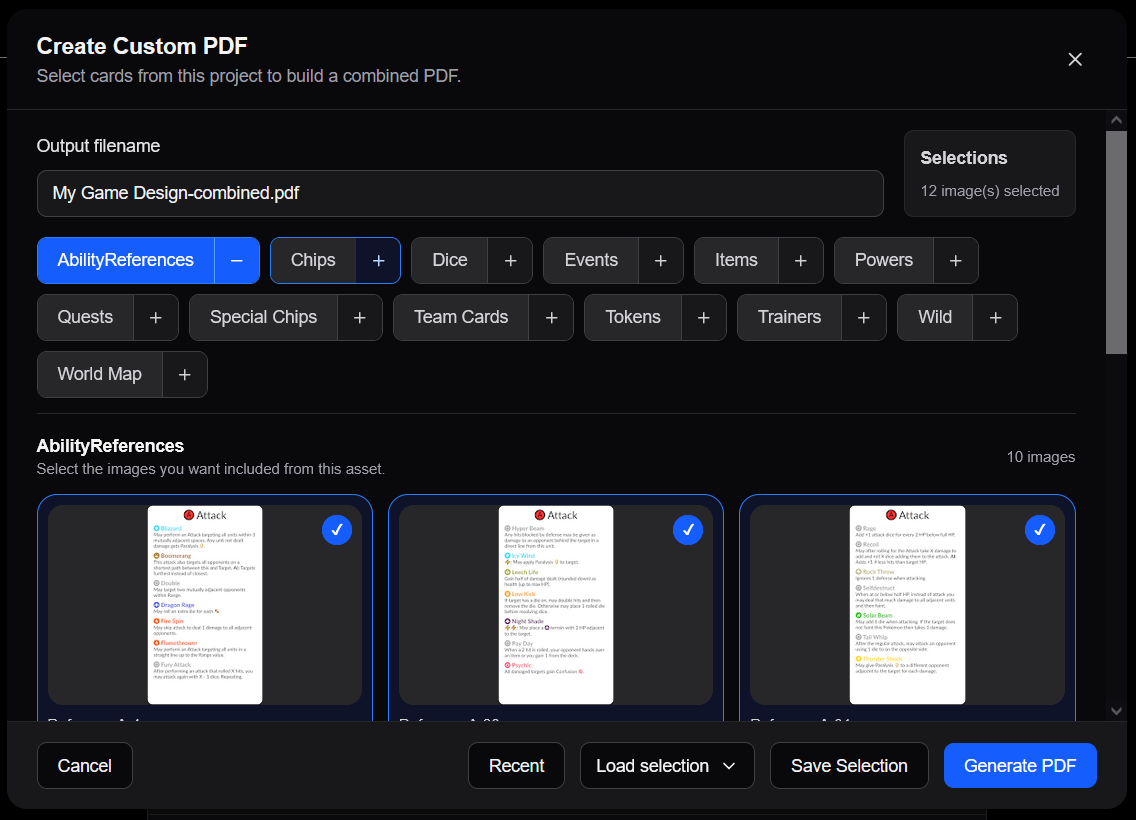
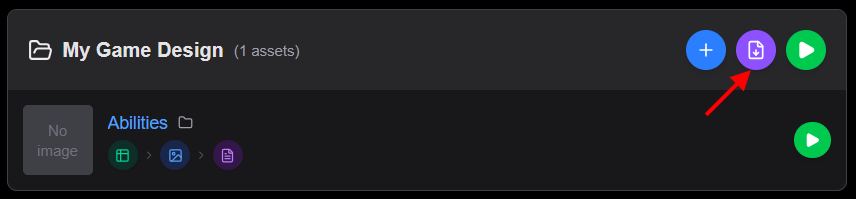
A specialized editor is available for selecting generated card assets to include in a combined PDF. To access this click the button for a Project.
The editor allows you to select individual cards for all assets with a PDF layout configuration. The tab for each asset includes a button showing either or with the background indicating if all, some or none of its cards are currently selected.
Once the wanted cards are selected fill out the Filename and click the Generate PDF button to start the custom PDF rendering.
Saved Selections
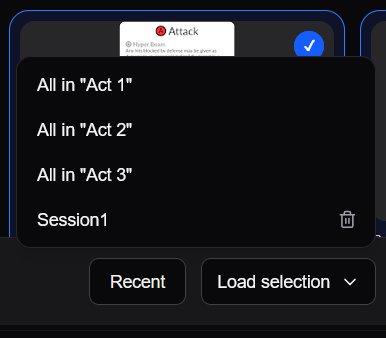
You can save a selection stored for future reuse via the Save Selection button and giving the selection a name. That makes it easily accessible in the Load selection dropdown.
Recent changes
You can select all cards that have been created or modified since a given date through the Recent button. This is useful when you just need to print any changes since you last prepared a physical prototype avoiding redundant work and resources.
Groups
If any assets use custom image groups, it is possible to quickly select all cards in a specific group across assets (if group name matches).