Reference Picker
Use the reference picker to insert data references, property references, and ancestor references into any text field.
Reference Picker
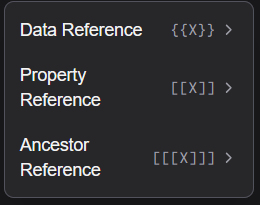
The reference picker is a dropdown tool that appears next to text input fields in the property panel. It lets you browse and insert any available reference without typing the syntax manually.
Data references
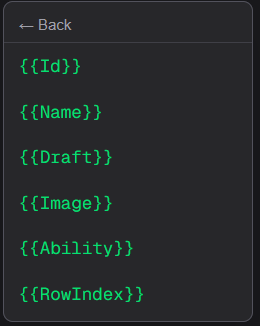
The Data section lists all column headers from the connected spreadsheet. Selecting a column inserts a {{ColumnName}} data reference in the property.
Property references
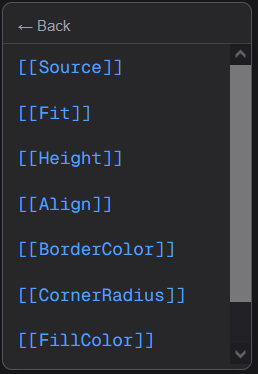
The Property section lists the properties defined on the currently selected element. Selecting one inserts a [[PropertyName]] reference, which reads the value of that property at render time.
Ancestor references
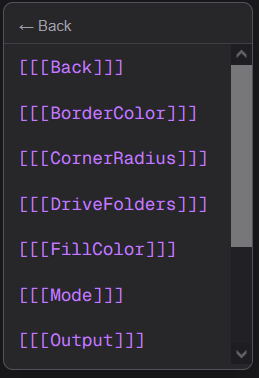
The Ancestor section lists properties available from parent elements in the tree. These are especially useful inside List and TextList children to reference properties set on the parent List element. Selecting one inserts a [[[PropertyName]]] reference.
Typing references manually
If you prefer, you can type references directly into any property input using the syntax described in the References guide. The picker is a convenience tool — it does not define how references behave.